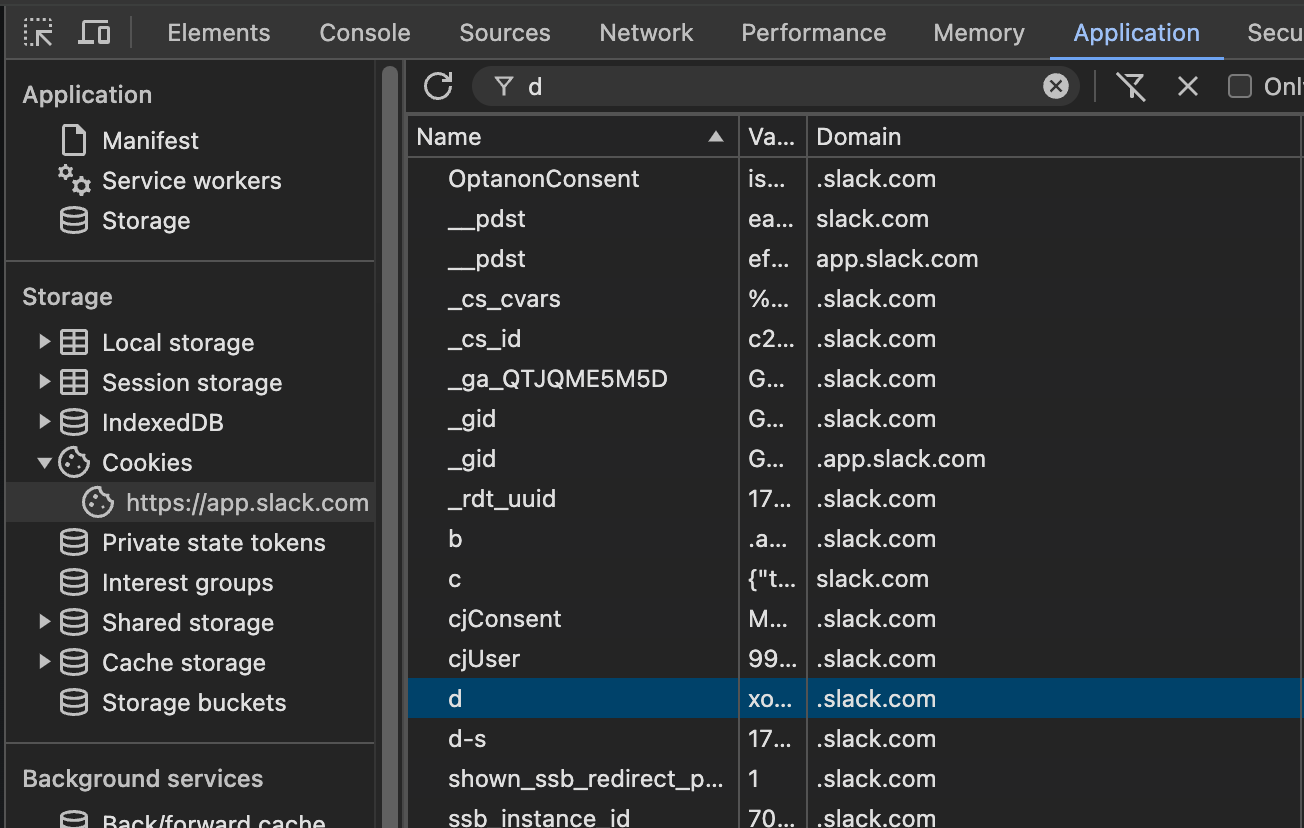
OPTION I: Getting the cookie valueSwitch to Application tab and select Cookies in the left navigation pane.Find the cookie with the name "d". That's right, just the letter "d".Double-click the Value of this cookie.Press Ctrl+C or Cmd+C to copy it's value to clipboard.Save it for later.
Export token and cookie & RUN
Export token and cookie with the following environment variables:
export SLACK_TOKEN=xoxc...export COOKIE=xoxd....
Now you can run slackdump in the same terminal where you exported these variables.